

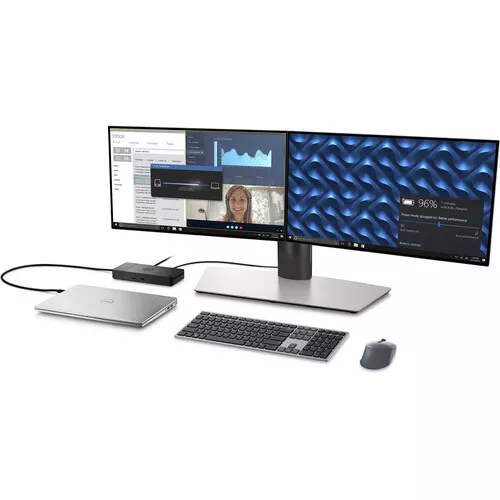

The Dell WD22TB4 Thunderbolt 4 Dock offers broad compatibility across Dell Commercial laptops. It is also compatible with notebooks that support industry standards for Thunderbolt™ docking from other manufacturers.
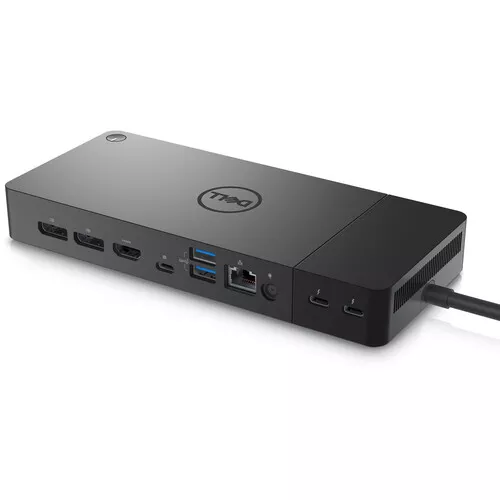
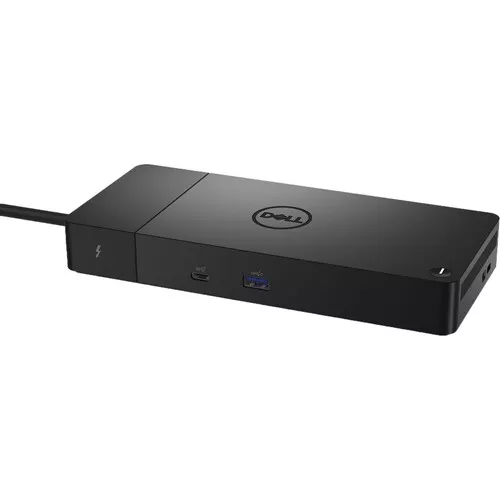
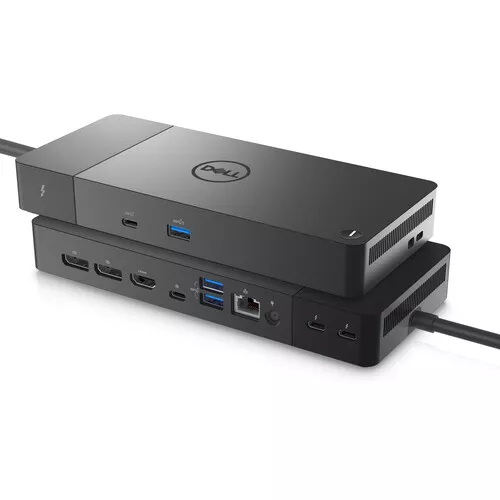
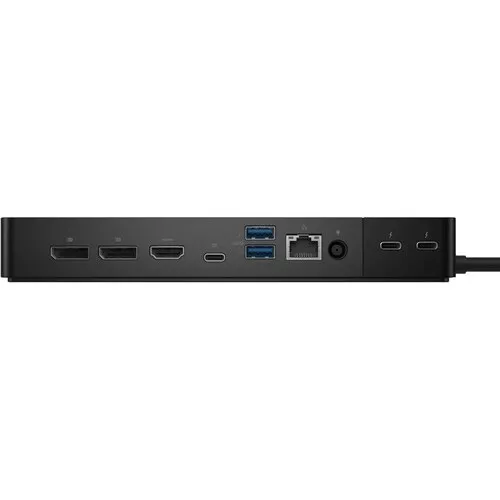
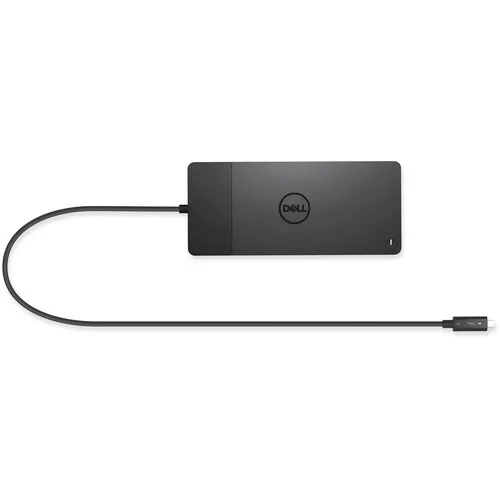
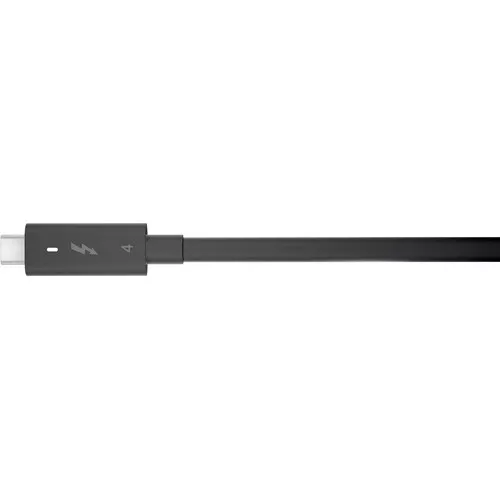
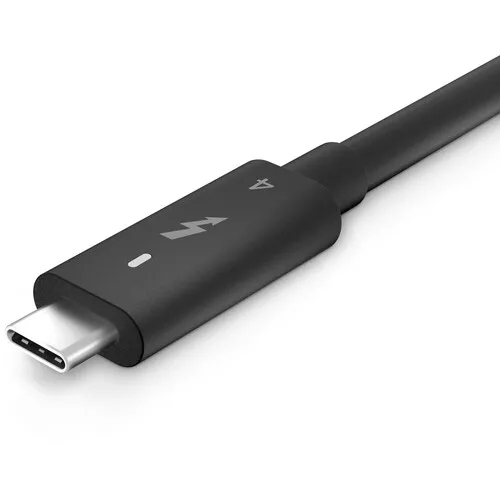
The dock connects to your computer through a male Thunderbolt 4 connector. Once connected, you can have access to a variety of ports, such as two Thunderbolt 4, one USB Type-C multifunction DisplayPort, one USB 3.2 Gen 2 Type-C, two DisplayPort 1.4, one HDMI 2.0, three USB 3.2 Gen 1 Type-A, and one Gigabit Ethernet RJ45 LAN. The dock provides up to 130W of Power Delivery for Dell systems and up to 90W for non-Dell systems while the modular design enables you to swap modules for easy upgrades.
Dell ExpressCharge is a useful tool for organising the workday as it allows you to charge your device up to 80% in an hour or up to 35% in 20 minutes. With the swappable module, you can easily upgrade to match the demands of your IT environment. For even greater versatility, upgrade to the newest connecting option with not just one but two Thunderbolt 4 ports.
Connect up to Multiple 4k Displays
The Dell Thunderbolt Dock WD22TB4 increases your computer’s connectivity. You can use it to create a tidy, effective configuration by using just one cable to connect displays and peripherals to your system. This dock can connect to several Thunderbolt peripherals and 4K screens without affecting your setup. With a data transfer rate of up to 40 GB/s, make the most of your peripherals.
System Update for Optimal Productivity
Please be aware that before utilising the docking station, you should update the Dell Thunderbolt Dock drivers, graphics drivers, and BIOS on your computer. Your system might not recognise the docking station or perform suboptimally if it is running an outdated BIOS and drivers. Always check the official Dell website to see if any suggested firmware is available for your docking station.
| Weight | 0.65 kg |
|---|





Reviews
There are no reviews yet.