Track Your Order
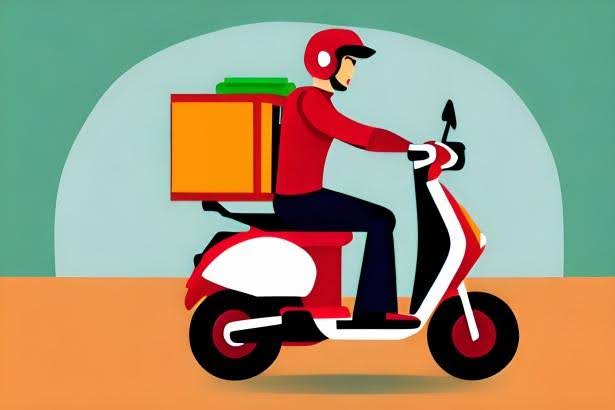
At Kalmartz.com, we make it easy for you to stay updated on your order status every step of the way.
How to Track Your Order:
- Log in to your Kalmartz.com account.
- Go to “My Orders” under your profile/dashboard.
- Select the specific order you want to track.
- You’ll see real-time updates on:
- Order confirmation
- Processing & packaging
- Dispatch from our store
- In-transit status
- Delivery estimate
You’ll also receive email or SMS notifications when your order is confirmed, shipped, and out for delivery.
Important Notes:
- Tracking updates are available once your item has been shipped.
- If your order shows “delivered” but hasn’t reached you, please contact us immediately.
Need help?
Call us: 08066986661
WhatsApp: 09069023722
Email: support@kalmartz.com
We’re here to make sure your shopping experience is smooth and transparent.
FAQ Entry: How can I track my Kalmartz order?
Q: How do I track my order after purchase?
A: Simply log in to your Kalmartz.com account, go to My Orders, and click the order you’d like to track. You’ll see live updates on its status — from packaging to delivery.
Q: Will I get tracking updates?
A: Yes! We’ll send you email or SMS updates as your order progresses.
Q: What if my order is delayed or marked delivered but hasn’t arrived?
A: Contact our support team right away via WhatsApp (09069023722) or Call 08066986661. We’ll resolve it as quickly as possible.