
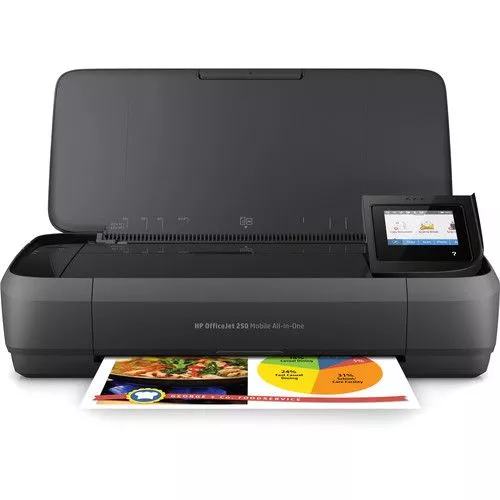
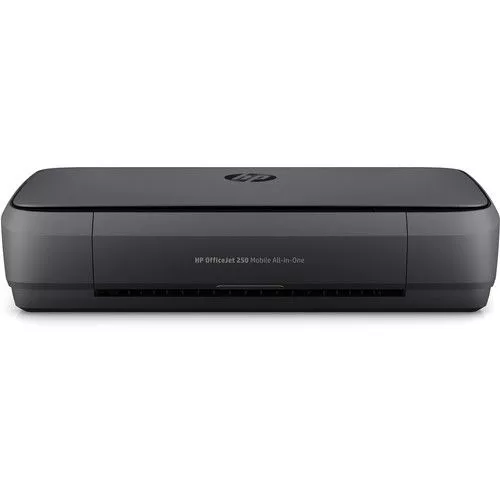
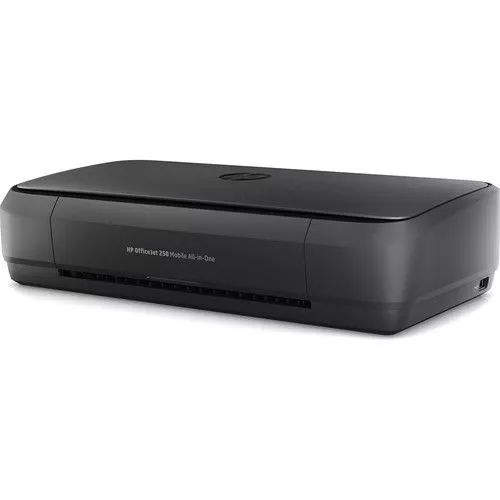
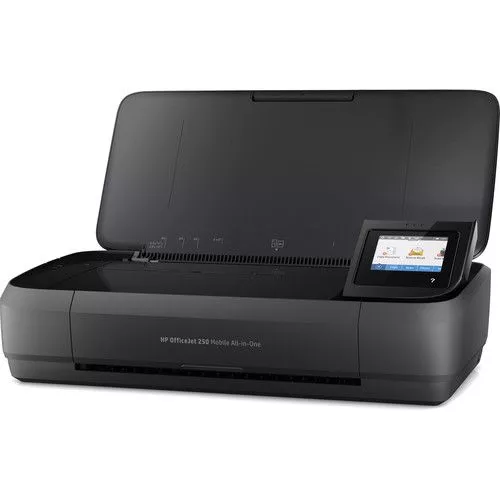
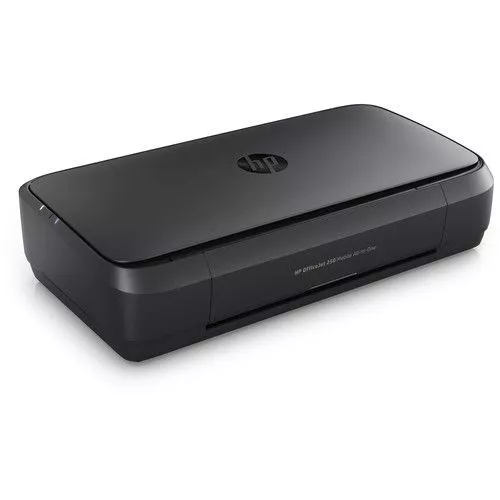
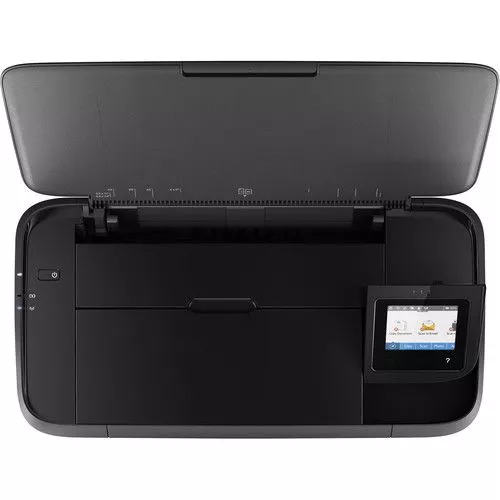
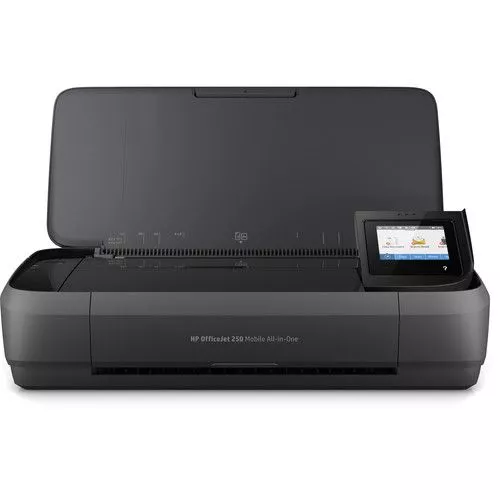

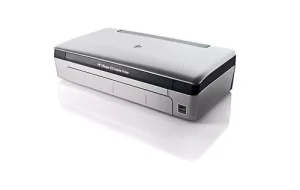
With this portable all-in-one, you can print, scan, and copy from almost anywhere. Use Bluetooth Smart or Wi-Fi Direct to detect and connect to a nearby OfficeJet 250 and print. Ideal for mobile workers and telecommuters that require a high-quality, dependable, and portable all-in-one that can be taken almost anywhere. With the 10-page automatic document feeder and colour touchscreen, you can print, copy, and scan multipage documents quickly and easily.
This durable, portable all-in-one fits in your car, luggage, or other compact locations for easy printing. You can start printing right away with a simple and quick setup. Plug-in in your AC power supply while the printer is turned off to charge it in 90 minutes. You’ll get the highest page yields of any in-class all-in-one when you use Original HP cartridges.
Portability meets productivity:
The 10-page automatic document feeder lets you print, copy, and scan multipage documents hands-free. Connect your laptop or mobile device to the printer and print. With HP Auto Wireless Connect, you can start printing right away with a simple setup. This rugged, portable all-in-one fits your car, bag, and other small spaces for easy printing.
Lead the way with fast and easy mobile printing:
Printing, scanning and copying are all simple with the 2.65-inch (6.73-cm) colour touchscreen. With a long-lasting battery, you can avoid charging interruptions. Using Original HP cartridges, you’ll get the highest page yields of any in-class all-in-one. Wherever you go, set the tone for success. Fast print speeds will help you get through the day.
High-powered quality and reliability:
Work your way through the day. You may charge at home, in your car, at work, and more. By connecting your printer to an AC power source while it is turned off, HP Fast Charge allows you to set your printer in 90 minutes. With an all-in-one developed and built to be dependable, you’ll get high-quality prints: premium design and silent performance help to reduce interruptions. Clients will be impressed if there are no distracting noises.
OfficeJet 250 Specs
First page out (ready) black On AC: as fast as 13 sec; On Battery: as quickly as 14 sec
First page out (ready) colour On AC: as fast as 20 sec; On Battery: as fast as 22 sec.
Resolution (black): Up to 1200 x 1200 rendered dpi (when printing from a computer)
Resolution (color): Up to 4800 x 1200 optimized dpi color (when printing from a computer and 1200 input dpi)
Functions: Print, copy, scan
Print speed (on AC): up to 10 ppm; On Battery: up to 9 ppm
Print speed (on AC): up to 7 ppm; On Battery: up to 6 ppm
Print speed: On AC: up to 20 ppm; On Battery: up to 18 ppm
Print speed: On AC: up to 19 ppm; On Battery: up to 17 ppm
Print speed On AC: up to 10 ppm; On Battery: up to 9 ppm
Print speed On AC: up to 7 ppm; On Battery: up to 6 ppm
Monthly duty cycle: Up to 500 pages
Recommended monthly page volume 100 to 300
Print Technology: HP Thermal Inkjet
Display: 2.65″ CGD DISPLAY, IR Touch
Processor speed: 700 MHz
Number of print cartridges: 2: 1 black, 1 colour (cyan, magenta, yellow)
Replacement cartridges: HP 62 Black Original Ink Cartridge; HP 62 Tri-color Original Ink Cartridge; HP 62XL High Yield Black Original Ink Cartridge; HP 62XL High Yield Tri-color Original Ink Cartridge
Compatible ink types: Dye-based (color); pigment-based (black)
Print languages: HP PCL 3 GUI
Automatic paper sensor: Yes
Paper trays :1
Paper trays: 1
Mobile Printing Capability: Chrome OS
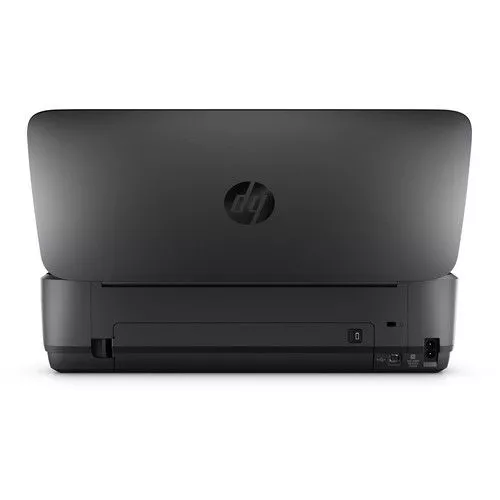
Connectivity: 1 USB 2.0 device; 1 USB 2.0 host; 1 wireless; 1 wifi direct; 1 BLE
Memory card compatibility: None
Memory: 256 MB DDR3
Compatible operating systems: Windows 11; Windows 10; Windows 8.1; Windows 8; Windows 7; Windows Vista; Linux; OS X 10.11 El Capitan; macOS 10.12 Sierra; Chrome OS
Copy resolution (black text): Up to 600 dpi
Recommended media weight: 20 lb
Media type: Plain Paper; HP Photo Papers; HP Matte Brochure or Professional Paper; HP Matte Presentation Paper; HP Glossy Brochure or Professional Paper; Other Photo Inkjet Papers; Other Matte Inkjet Papers; Other Glossy Inkjet Papers; Plain Paper, Light/Recycled
Scanner type: Sheet-feed
Supported network protocols: Wi-Fi network support
Paper handling input: Up to 50
Duplex printing: Manual (driver support provided)
Envelope input capacity: Up to 5
Borderless printing: Yes (up to 5 x 7 in, 127 x 177 mm)
Media sizes supported: Letter, legal, statement, executive, envelopes (No. 10, Monarch, 6 3/4 in), cards (3 x 5 in, 4 x 6 in, 5 x 8 in), photo (8 x 10 in, 5 x 7 in, 4 x 6 in, 3.5 x 5 in)
Media sizes: 3 x 8.5 to 4 x 14 in
Scan file format: Scan File Type supported by Software: Bitmap (.bmp), JPEG (.jpg), PDF (.pdf), PNG (.png), Rich Text (.rtf), Searchable PDF (.pdf), Text (.txt), TIFF (.tif)
Supported media weight: 16 to 32 lb (plain paper); 20 to 55 lb (envelope); up to 110 lb (cards)
Scan resolution: Up to 600 x 600 dpi
Scan resolution: Up to 600 dpi
Scan size (ADF): 8.5 x 14 in
ADF Capacity: Up to 10
Digital send file Formats: PDF; JPEG; and Editable Text (OCR) formats supported
Dimensions (W X D X H): 14.96 x 7.8 x 3.6 in
Dimensions Maximum (W X D X H): 14.97 x 15.8 x 10.6 in ( Scan + Print Tray opened)
Weight: 6.51 lb (6.73 lb with Battery)
Package Weight: 10.58 lb
Copy resolution (colour text and graphics): Up to 600 dpi
Copy reduce / enlarge settings 25 to 400%
Copies: Up to 50 copies
Power: Input voltage: 100 to 240 VAC, 50 to 60 Hz; 200 to 240 VAC, 50 to 60 Hz. Not dual voltage, power supply varies by part number with # Option code identifier.
Power consumption: 0.14 watts (Manual-Off), 3.4 watts (Standby), 0.81 watts (Sleep)
Operating temperature range: 41 to 104ºF
Operating humidity range: 20 to 80% RH
Software included: HP Dropbox, HP Google Drive, and Microsoft DotNet.
| Weight | 4.8 kg |
|---|





Reviews
There are no reviews yet.